
.png)
You can find links to important websites and portals in your League Wallet.
To find links in your League account
1. Click your “Wallet”.
2. Select a health benefit or savings account.
If you’re looking for a website link, continue to step 3. If you’re looking for a portal link, continue to step 4.
To access a carrier or administrator’s website
3. Click the “Visit Carrier’s Website” button under the card.
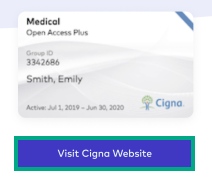
Tip: If you don’t see this button under the card, look under “Actions” and select “Visit Website”.
You’ll be directed to the homepage of the carrier or administrator.
To access a carrier or administrator’s portal
4. Click the “Visit Portal” button under the card.
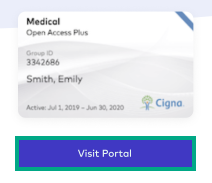
Tip: If you don’t see this button under the card, look under “ Actions” and select “Visit Carrier’s Portal”.
You’ll be directed to a page where you can log in to your account with the carrier or administrator.